
Violyx — a keyboard-only 64-bit x86 operating system, written from scratch
Violyx is a standalone operating system with its own kernel, drivers, file systems and programs – written in C and x86-64 assembly. It runs with no Linux underneath, boots on BIOS and UEFI, goes online, plays music and games – all controlled entirely with the keyboard.
Its desktop is built on a 256-colour character grid, but it is not text-only: cells can hold pictures, images are shown adapted to the screen resolution, and the system has real screensavers. The project was built with the help of AI; the build tools are written in Python.
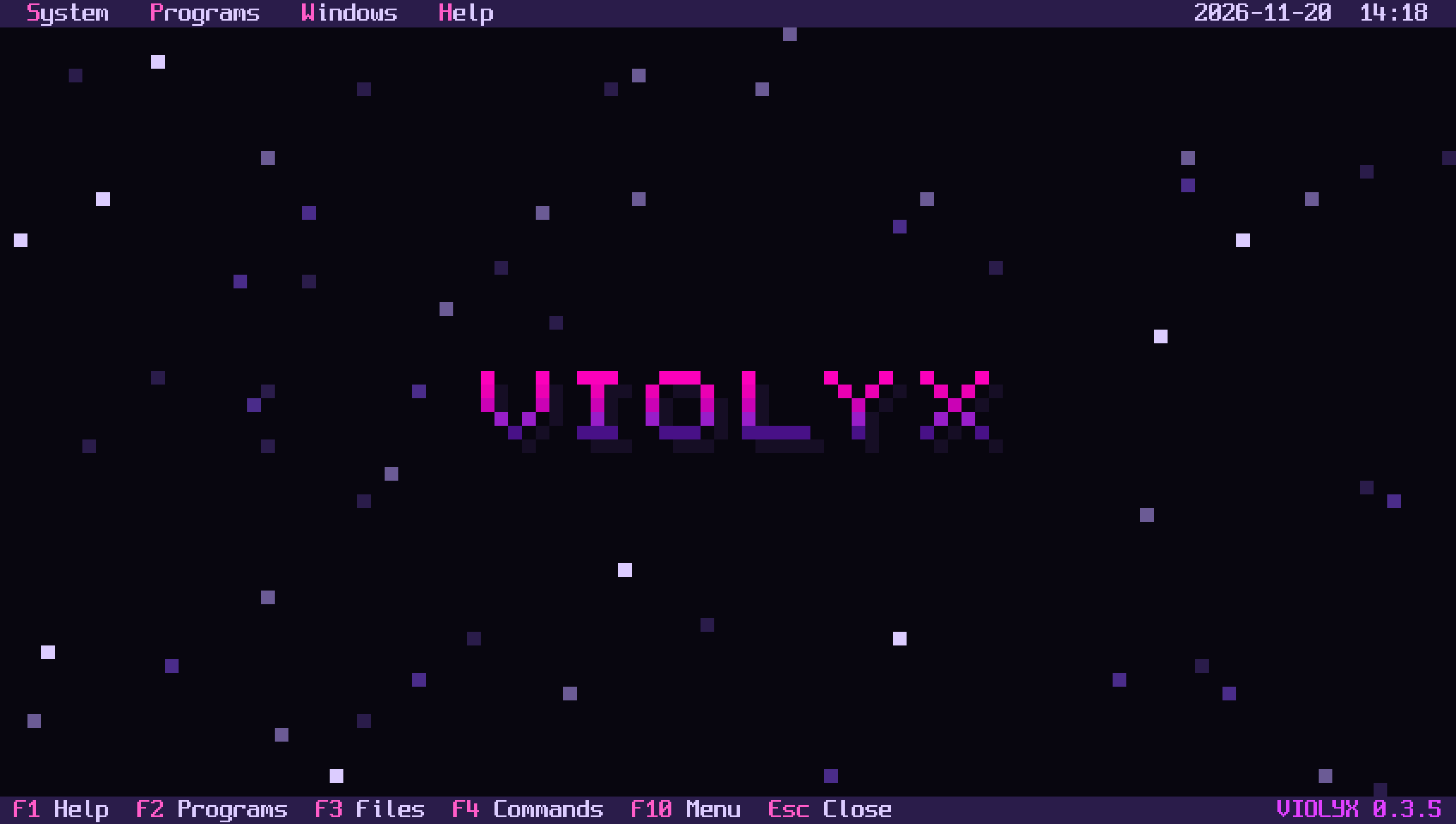
What is Violyx?
Violyx is a lean hobby operating system for x86-64 machines. It ships with its own monolithic kernel and a retro character-cell desktop: the interface is laid out on a 256-colour text grid, yet picture cells can display images at the appropriate resolution, and the system includes real screensavers. On top of that come a built-in text web browser, a music player and several games. Every action is driven by keyboard only. Many of its ideas come from classic text UIs, but have been ported to modern hardware (PCIe, NVMe, USB, an lwIP network stack).
A look inside the retro character-cell desktop
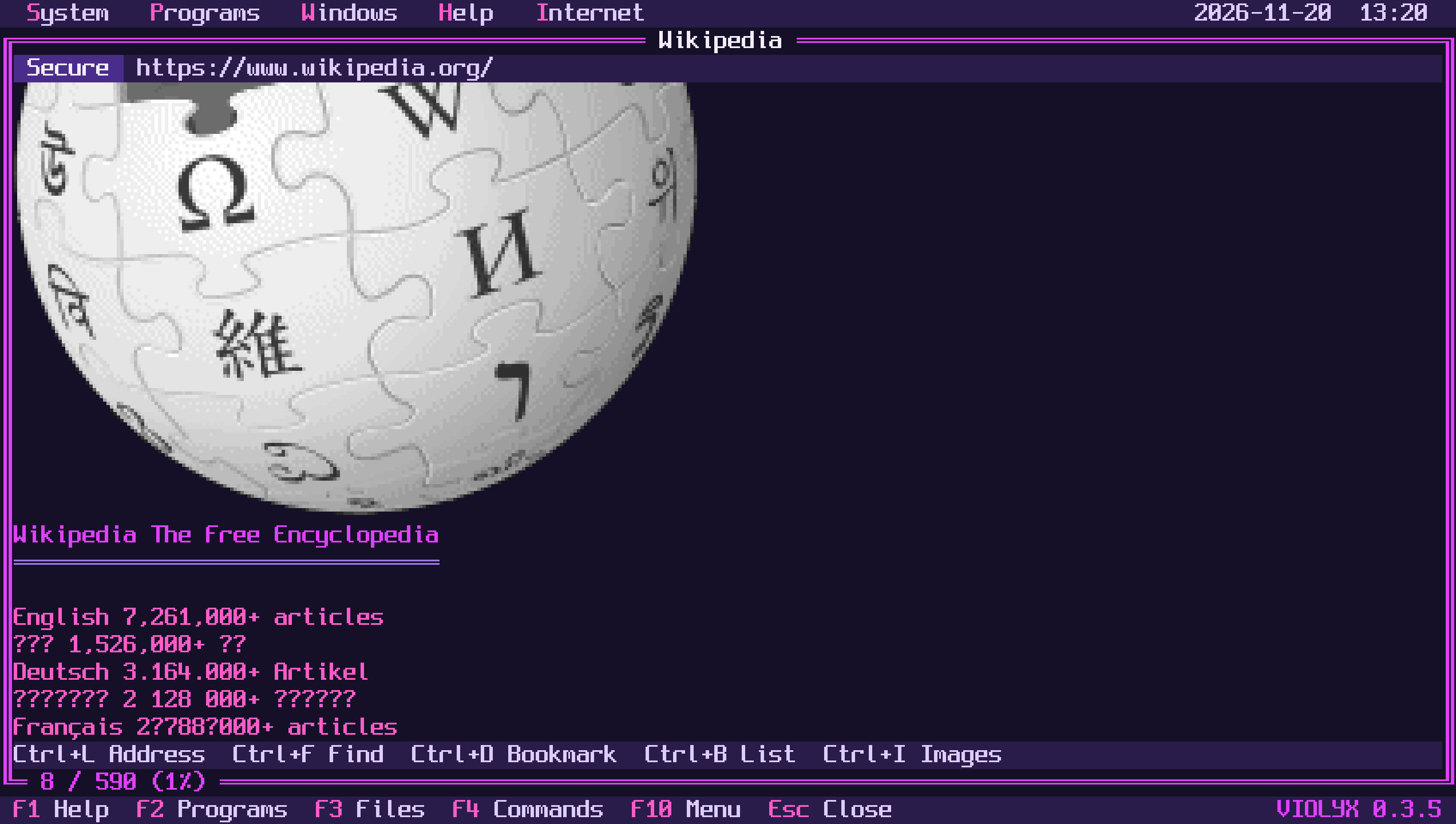
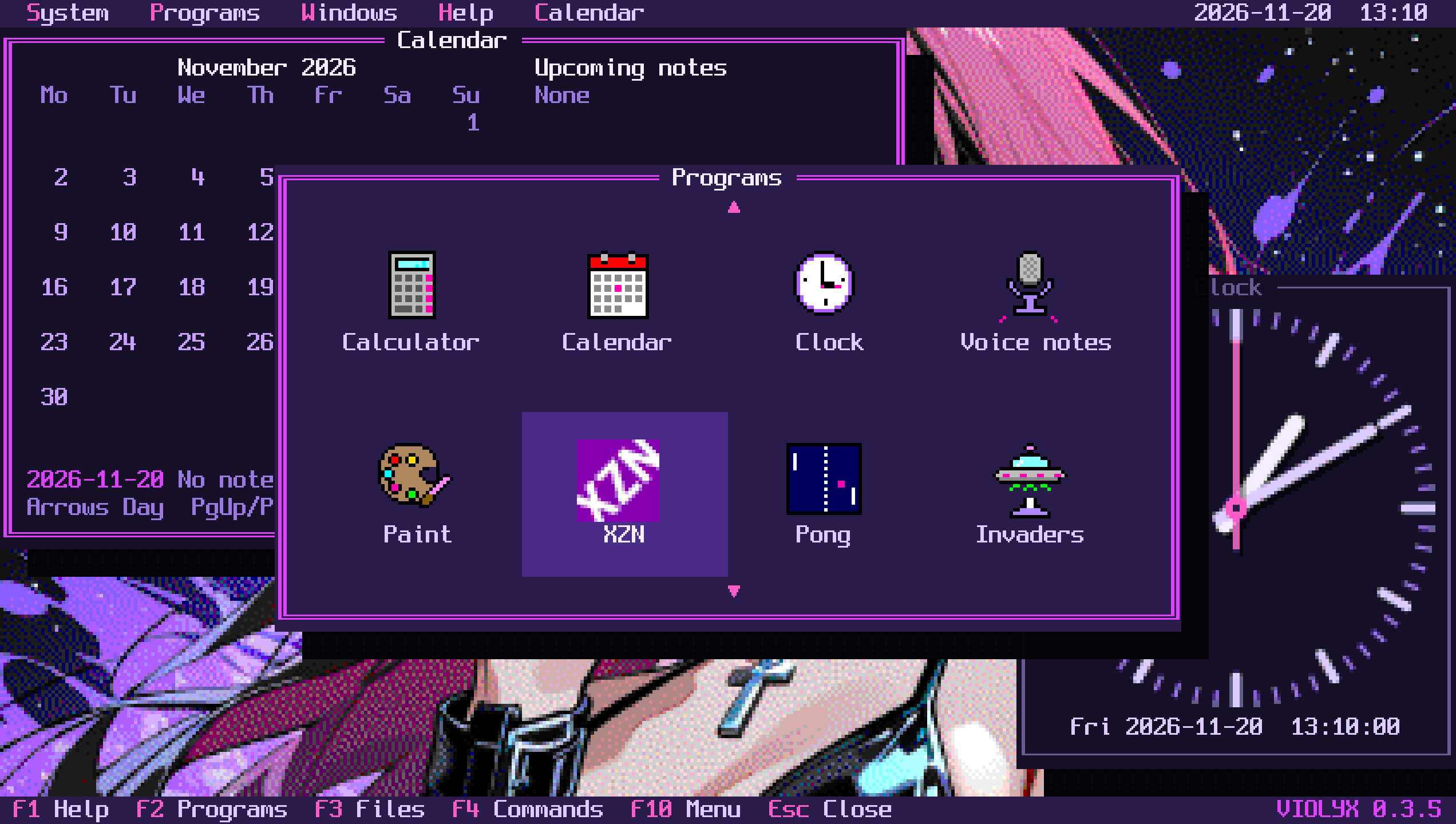
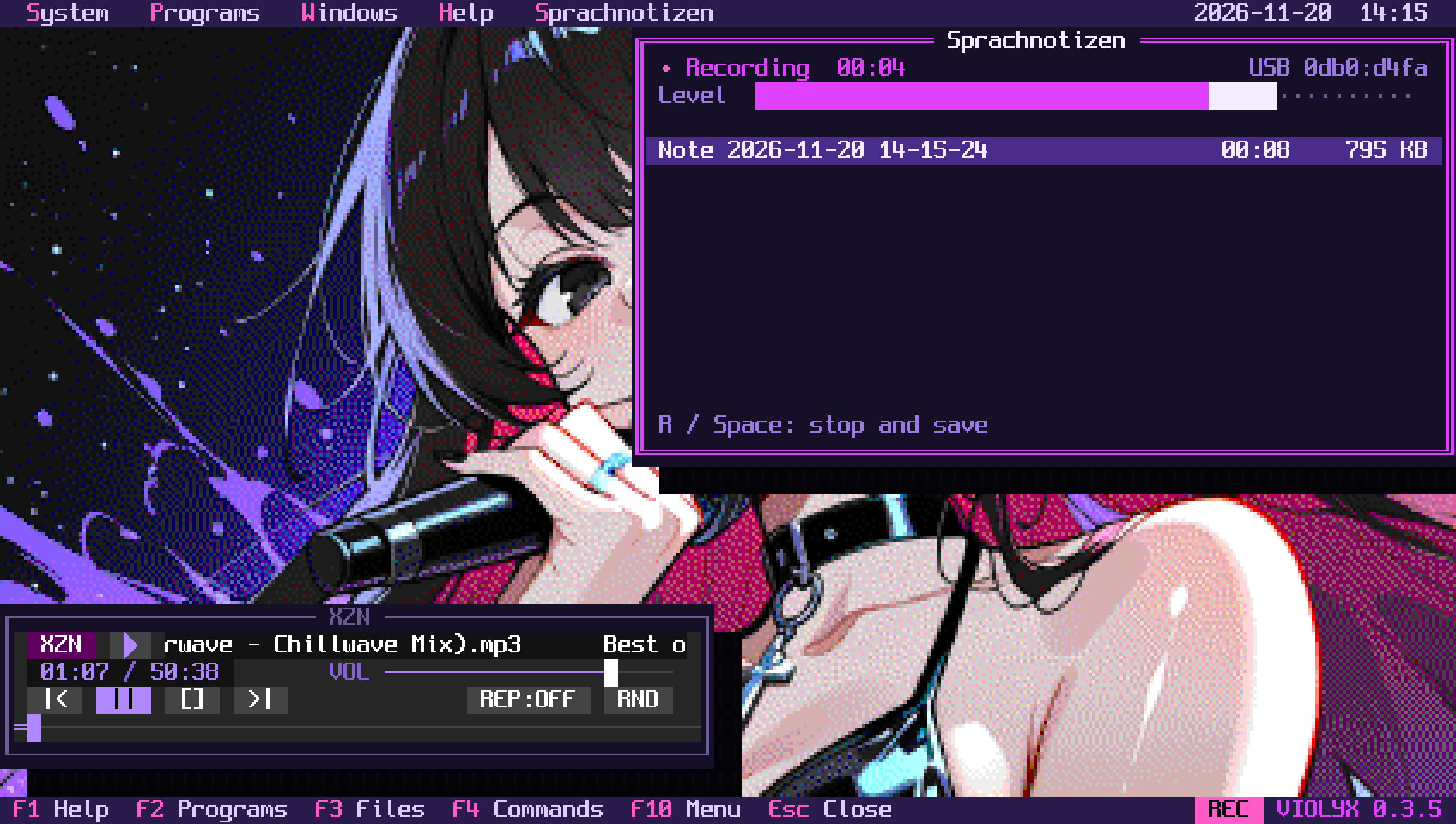
System architecture: how Violyx is built
Violyx follows a classic layered model: protected programs run isolated in ring 3, everything else is part of the monolithic kernel in ring 0. The transition between the two worlds goes through int 48 with 26 system calls – and every pointer passed is checked.
Ring 3 — protected programs each in its own address space · a crash only ends that program
- MP3 · OGG · FLAC · WAV
- Equalizer, spectrum, playlist
- Snake · Bricks · Novastrike
- Sound and chiptune music (chip.h)
- Written in C with the SDK (violyx.h + a small libc)
- Installed from a .vpk package
- Unpacks images and gzip
- For browser and image viewer, isolated
Kernel — ring 0 one address space · everything below this line is part of the kernel
Desktop
- Text grid in 256 colours
- Picture cells for images
- Menus, dialogs, schemes
- Real screensavers
- Write · Files · Commands
- Calculator · Calendar · Clock
- Paint · Image viewer
- Settings · Installer
- HTML layout, tables, images
- Tabs, bookmarks, history
- Downloads, search forms
- Pong · Invaders
- Chomp · Mines
Services
- ELF loader & address spaces
- Preemptive time slices
- Background programs
- /home · /downloads · /programs
- /system · /drivers
- VioFS 2 · FAT32 · exFAT
- Formatting USB sticks
- lwIP: TCP/IP, DHCP, DNS
- Mbed TLS 1.2 / 1.3
- HTTP, gzip, cookies
- Mozilla root certificates
- Mixer for voices
- Music stream for XZN
- Chiptune player
- Volume, outputs
- Memory and paging
- Interrupts and timers
- RTC (clock)
- ACPI, clean shutdown
Drivers
- IDE
- AHCI (SATA)
- NVMe
- Block layer with multi-sector reads
- Keyboards
- Hubs
- Mass storage
- Audio (UAC 1 and 2)
- Intel E1000
- Realtek RTL8125B
- Realtek RTL8126
- Intel HD Audio
- AC'97
- USB audio (e.g. Realtek ALC4080)
- PS/2 keyboard
- Framebuffer (from the boot loader)
- PCI / PCIe scan
Boot — from firmware to desktop
- Hands the framebuffer and memory map to the kernel
- Both firmware types are supported
- x86-64 PC
- QEMU
- VirtualBox
Frequently asked questions about Violyx
Does Violyx run on real hardware or only in a VM?
Both. Violyx boots on BIOS and UEFI systems and has been tested on x86-64 PCs as well as in QEMU and VirtualBox.
Do I need to know Linux to use Violyx?
No. Violyx is a standalone operating system with no Linux kernel underneath. Kernel, drivers, file systems and applications are entirely its own.
Is Violyx really text-only?
No. Violyx renders on a 256-colour character grid, but cells can hold pictures, the desktop has real screensavers, and images are shown adapted to the screen resolution. Think of it as a character-cell desktop with built-in image support rather than a pure text UI.
Can I write my own programs for Violyx?
Yes. With the included SDK (violyx.h plus a small libc) you can write programs in C and install them as .vpk packages.
Why is Violyx keyboard-only?
Violyx is deliberately designed without mouse control. Every action is driven by keyboard shortcuts – which makes the interface fast, consistent and true to the retro character-cell desktop concept.